Quick Fix for Your Pictures
📸 Ever tried to email a photo and got a “file too large” warning? Or watched a website reject your image? Here’s a simple fix: convert your png to jpg format. It slashes file size while keeping things looking sharp. Perfect for homework uploads, online forms, or just saving phone storage.
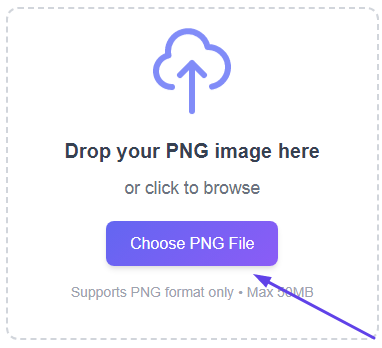
📤 1. Pick your PNG
Hit the upload button and grab the PNG from your computer, phone, or tablet. Drag and drop works too. No size limits — toss in anything under 50MB. This is the fastest png to jpg converter online you’ll find.
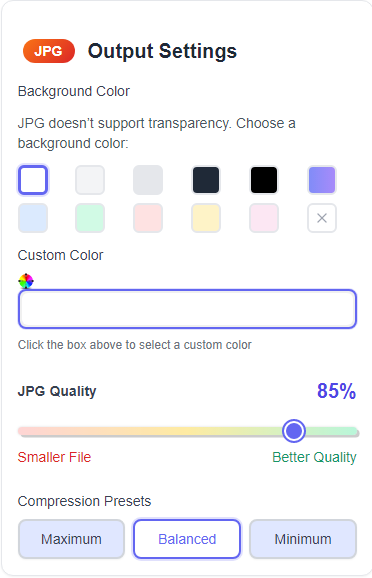
⚙️ 2. Tweak quality (optional)
Move the slider between 90% and 100% quality. Lower = much smaller files. Higher = slightly better detail. The default setting gives you the sweet spot. You can convert png to jpg free without any hidden fees.

🔄 3. Convert
Click the “Convert” button. The tool does its magic in under five seconds. No spinning wheels, no annoying ads in your way. It’s a reliable image format converter that handles the job instantly.
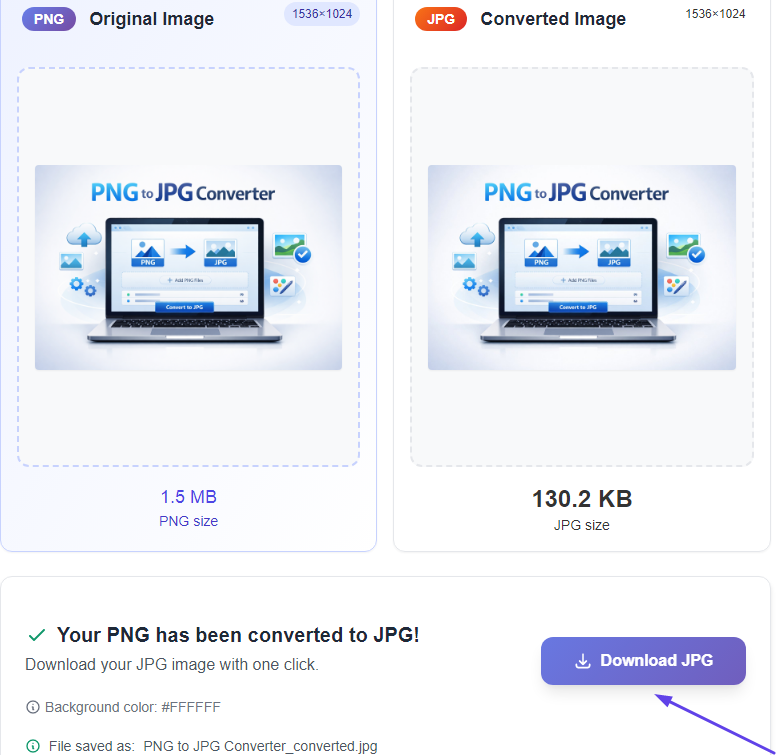
💾 4. Save your JPG
Hit download. Your shiny new JPG lands in your folder. That’s it. No signup, no email required. This png to jpg tool online just works, every time.
⭐ Batch mode: convert a whole folder of PNGs at once using a bulk image converter png to jpg. Still free.
Why switch from PNG to JPG?
PNG is awesome for crisp graphics and transparent backgrounds. But it makes files huge. Email servers block large attachments. Websites time out. Your phone fills up. On the other hand, JPG compresses smartly — you keep the look but drop the weight. That’s why almost every social platform, school portal, and photo printer prefers JPG. Think of this as your go-to jpg converter online free solution.
A real-world example
Imagine you’re submitting a project to Google Classroom. You snap a photo of your drawing, but the site rejects it: “File not supported.” Or you’re emailing a family photo, and Gmail tells you it’s too big. That’s when you need to convert image to jpg to make it work. A few clicks, and your image works everywhere. No special software, no stress.
⚡ Quick recap — three moves:
- Upload your PNG.
- Press “Convert”.
- Download the JPG.
That’s it. Most online tools also let you handle batches — upload five, ten, or fifty PNGs and convert them together using a dedicated png to jpeg converter that scales with your needs.
✨ Why you’ll love this
Switching to JPG isn’t just about file size. Here’s what you actually gain:
👨👩👧👦 Real-world help for everyone
Students use it to submit homework that actually uploads. Parents use it to email birthday party photos without hitting attachment limits. Small business owners use it for product listings that load fast. JPGs are lightweight, universal, and painless. This photo to jpg converter makes all of that possible in seconds.
Shrinks file size
Cuts image size by up to 80%. A 5MB PNG becomes a 800KB JPG.
🔽 More space for other filesWorks everywhere
Every device, browser, and app loves JPG. No more “unsupported format” messages.
✅ Windows, Mac, iPhone, AndroidBlazing fast
Conversion takes under 5 seconds. No downloads, no installation.
⏱️ Batch convert 50+ filesPrivate by design
Files auto-delete after one hour. Your memories stay yours.
🛡️ No storage, no trackingMobile friendly
Use it on your phone while waiting for the bus. No app required.
📲 Works in Safari, Chrome, EdgeKeeps the detail
Sharp results. You control the quality vs. size tradeoff.
🌟 Great for photos and scans🛠️ More handy image tools
One-trick pony? Nope. Here are other free tools you’ll actually use. Consider this your central image file converter online hub for all your format needs.
One last tip
Keep your original PNGs somewhere safe. They’re great for editing or when you need that perfect transparency. But for sharing, posting, or sending — convert a copy to JPG. I personally use this trick every week. It’s one of those small habits that saves real headaches. For a deeper dive on compress png to jpg online techniques, check out the Wikipedia guide to image file types.
Only a tiny bit. JPG uses smart compression. For photos, screenshots, and school projects, you won’t notice the difference — but your file size will drop dramatically. It’s the best png to jpg converter for everyday use.
Yes. Reputable converters delete everything after one hour. Avoid uploading sensitive documents, but for everyday photos and drawings, you’re good. This fast image converter tool respects your privacy.
Absolutely. Most online tools offer batch mode. Select ten or twenty PNGs, and the tool will convert png into jpeg format for all of them in a single click.
Nope. Everything runs in your browser. Works on Windows, Mac, Chromebook, iPhone, and Android. It’s a true free photo converter online with zero setup.
Not at all. A good converter keeps the original resolution. For standard use — websites, emails, printing — the output looks nearly identical to the original PNG. That’s the beauty of a png to jpg converter online done right.
✨ Try converting one image right now. It’s free, fast, and surprisingly satisfying.